Personalized Gift Ideas
Pet photo blankets: choose a photo and layout that work together
A practical guide to choosing clear pet photos, planning single-photo or multi-pet layouts, and checking the details before ordering a photo blanket.
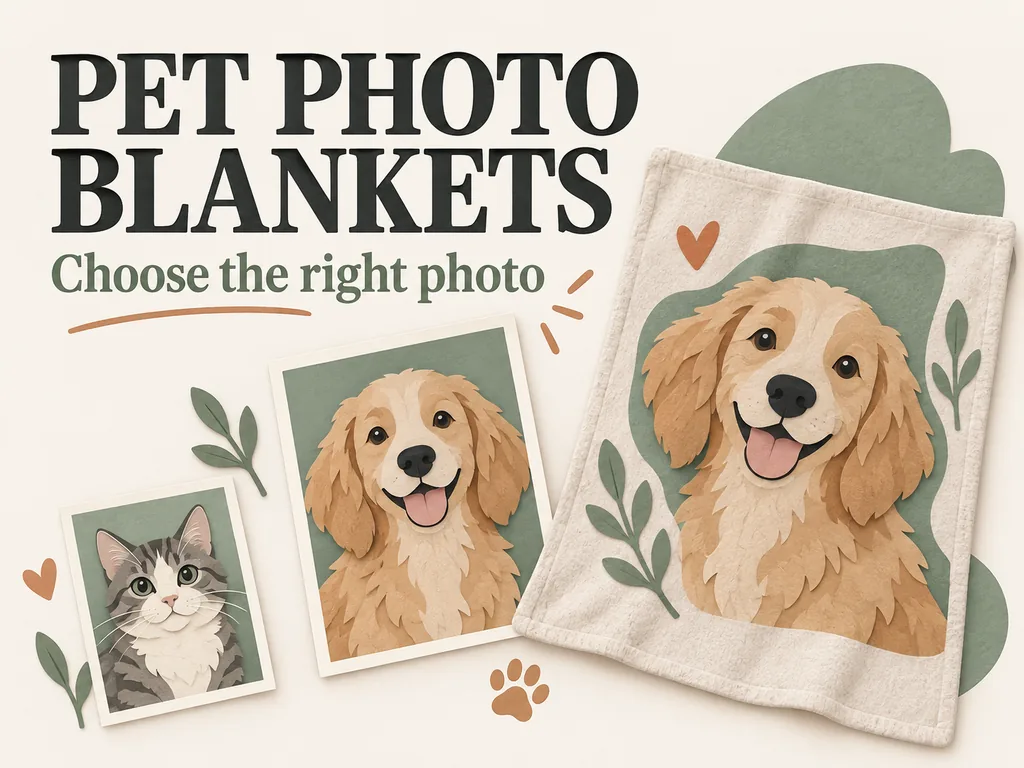
Choose an original photo with a clear face, visible coat markings, and room around the parts you want included. Then check it against the blanket's layout. A photo that works in a small collage square may not work as a full-width image, and a reference photo for an illustrated portrait has a different job again.
That sideways glance or lopsided ear may be the reason you love the picture. The layout needs to leave it in.
Start with the kind of blanket design
Before sorting through your camera roll, look at what the seller is actually making. These two designs need different decisions.
Your photo stays in the design
For a full-photo blanket or a photo collage, the background may remain part of the finished picture. A dog on a favorite sofa can work well if that setting is part of the memory. If you only want the dog, check whether background removal is included rather than assuming it will happen.
Look at the shape of the photo space, too. A tall portrait and a wide rectangle do not fit together without some compromise. The design may crop the image, leave empty space, or offer a different arrangement.
Your photo becomes a portrait
Some blankets use an image cutout or an illustration made from your reference. Check which option you are selecting: Cuddle Clones, for example, lists image-cutout and hand-illustration styles. Those are that seller's options, not a rule for every blanket.
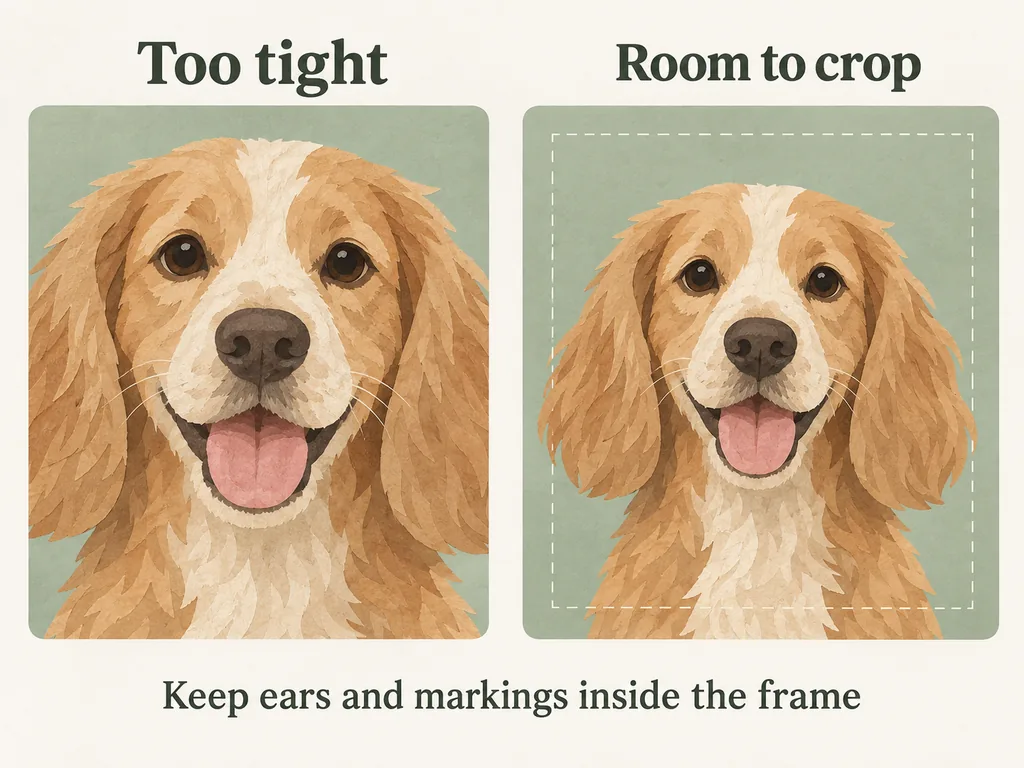
For a portrait-style design, a clearly visible face matters more than an attractive background. Keep any markings you want represented within the frame. Do not assume an artist can accurately reconstruct an ear or patch of fur that the reference does not show.
Check the photo before you crop it
Find the original image from the phone, camera, or saved photo archive. If someone else took it, ask for the original file and permission to use it. A screenshot of a message or social-media post may leave you with less useful detail than the original.
Enlarge the picture enough to inspect the eyes, nose, and edges of the ears. Watch for a face softened by movement, white fur with no visible detail, or dark markings that disappear into shadow. Choose the familiar expression you like, but compare another frame if the important features are hard to see.
Keep an untouched copy before making edits. Adobe's explanation of resizing and cropping distinguishes changing print size from changing pixel data. A tight crop leaves fewer original pixels to work with; changing a resolution setting does not turn a blurry face into a sharp photograph.
For example, a 4,000-pixel-wide original cropped down to its middle 1,000 pixels has only those 1,000 pixels across the remaining image. This is a simple crop example, not a minimum requirement for a blanket. Use the seller's requirements for the actual design area.
Match the layout to the photos you actually have
Choose the photos first. If only two are worth using, a nine-photo grid gives you seven spaces to fill with pictures you did not really want.
| What you have | A layout to consider | What to check |
|---|---|---|
| One clear portrait | One main image with room around it | Ears, nose, and any important markings survive the crop |
| Several different moments | A small, orderly collage | Every picture contributes something different and faces remain visible |
| Clear separate photos of two pets | Two balanced panels, if the design supports them | Each pet gets enough space and the correct name |
| One treasured but low-detail picture | A smaller image area, subject to the seller's advice | The file is suitable before you commit to the order |
Try a simple sketch before editing the files. Draw the blanket rectangle and mark where the main face and any name would sit. If the blanket is likely to be folded over a chair, think about which part of the design you would want facing out. The sketch helps you choose a layout; it is not a prediction of the final print.
Keep names and dates away from the outer edges of the design. Follow the selected product's safe-area guide where one is provided rather than applying a made-up margin to every blanket.
Give each pet a clear place and the right name
Imagine a group shot where the dog is looking at the camera and the cat is behind his shoulder. It might be your favorite picture of them together, but it gives a designer very little of the cat to work with. If the product accepts separate references, look for a clear photo of each pet.
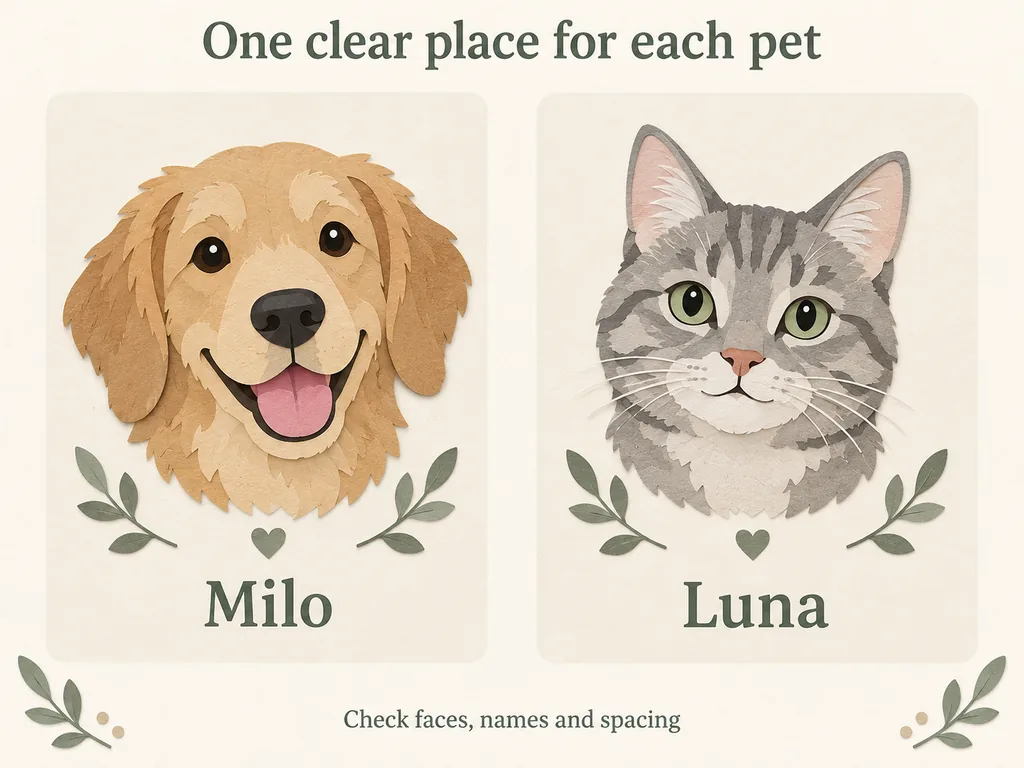
Make a short pairing note: "Milo: tan dog, left panel. Luna: gray cat, right panel." Keep that note with the original files. If the seller allows order notes, use the same wording there. File names alone may not be treated as design instructions.
Then look at the pair together. Has one face become tiny beside the other? Give both pets enough space, unless the difference in size is deliberate. Explain that choice in your notes rather than leaving the designer to guess.
Check the order details before submitting
Use the current product page to confirm the accepted file format, upload limit, photo count, finished dimensions, and available design options. General advice cannot replace those requirements. Printful's file-preparation guidance also directs users to the individual product's dimensions, resolution, and safe zones. Its specifications are not Morylane upload rules.
Read the material and care instructions for the exact blanket you choose. Do not assume that a woven blanket and a printed fleece blanket use the same washing or drying instructions. Also check whether the image appears on one side or both. Our pet keepsake buying guides can help with related photo and personalization questions.
If a preview is available, check the whole layout and each individual crop. A preview is not necessarily a customer-approved proof, and neither is a photo-suitability check. Confirm the seller's process before expecting a separate approval email.
Read names and dates on their own, without looking at the rest of the design. A misspelling is easy to overlook when you are admiring the face beside it. Use an image you own or have permission to use, and leave out unnecessary personal information. For a question about a particular Morylane item, contact Morylane with the product name.
Common photo questions
Can I use a phone photo?
Yes, a phone photo can be a suitable starting point. The camera name is less useful than the original file, focus, crop, and selected product's requirements. An older clear photo may be more useful than a newer image with a blurred face.
Does every pet photo blanket need the same resolution?
No. The size of the image area and the production method matter. A small photo panel and an edge-to-edge image use the file differently. Check the product's current requirements; do not rely on a universal DPI number from a general blog post.
What if my favorite picture is old or a little blurry?
Keep the original and ask whether it is suitable for the design before ordering. If it is a physical photograph, a better scan may help capture detail that is still present in the print. Heavy sharpening or enlargement cannot guarantee a faithful face. If the blanket is not a good fit, a smaller display or another keepsake may suit that picture better.
Save the chosen original and your layout note together so you can find them again. Still deciding whether a blanket is the right gift? Our guide to choosing a personalized gift for a pet person starts with the recipient and the things they already like to keep around them.